Add a Google Ads destination
Before adding the Google Ads destination in Metrion, note that Metrion creates new conversion actions in your Google Ads account. This means you don’t need to remove or deactivate existing Google Ads tags or integrations — they can safely coexist. Each Metrion destination will send events to its own unique conversion actions, preventing any overlap or duplicate event reporting.
Written By Vincent Stoit
Last updated 10 months ago
How to add a Google Ads destination
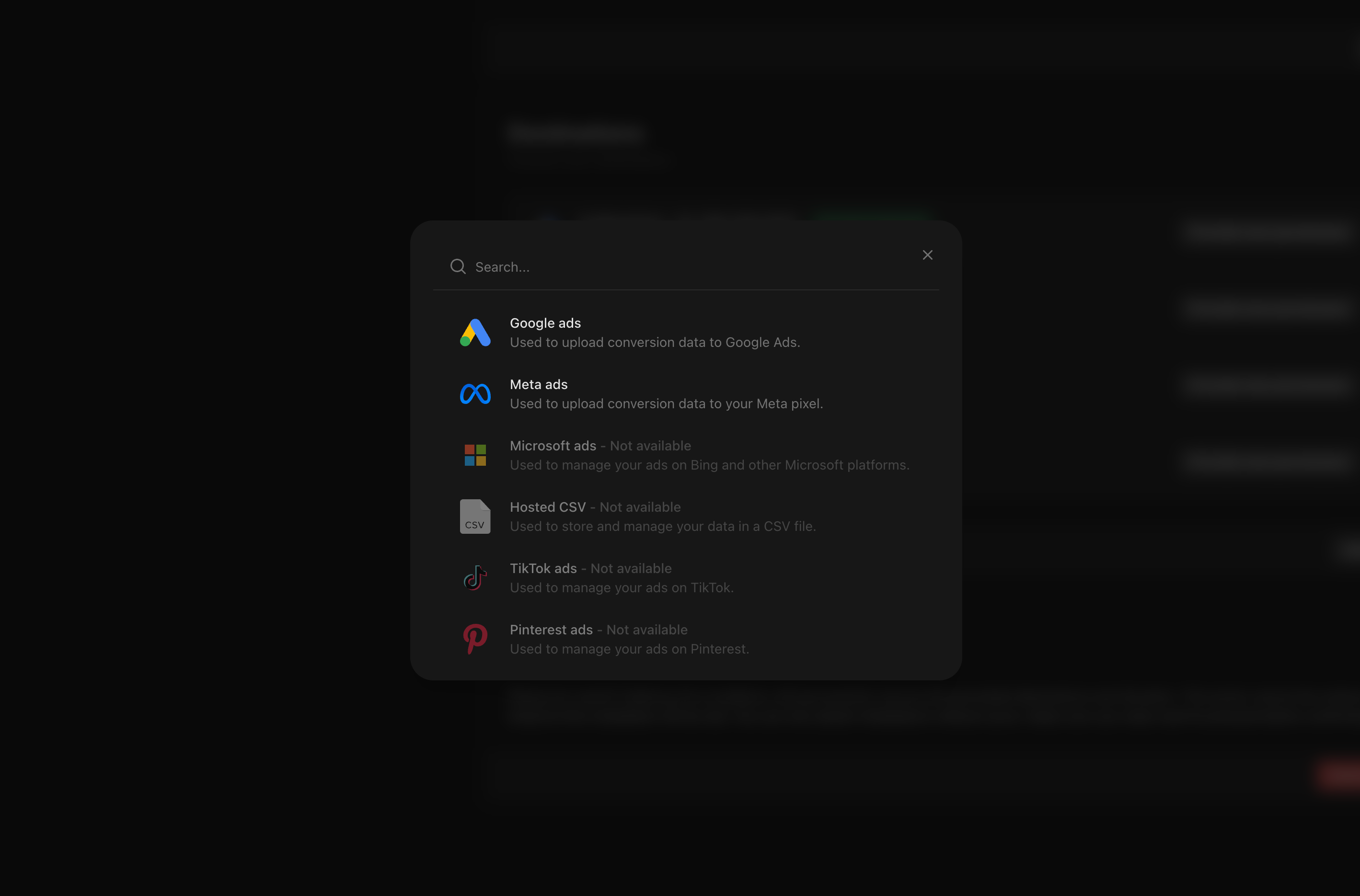
1. Choose Google Ads when adding a new destination in your Metrion installation
2. Provide permission:
Provide permission to your Google Ads account.
Grant Metrion permission to access your Google Ads account.
This allows Metrion to perform actions such as creating conversion actions and uploading conversion data.
Select the account you want to connect to this installation
Connect your account.
When this account is used in a Metrion Sync, the Google Ads account will be checked for a few conversion settings.
You can learn more here about how to configure your account.
Was this helpful?
Still need help? Ask the team